Employment Verification I-9: What Documents Immigrants Can Use and Common Issues
Every employer must verify work authorization through I-9. Here's what documents immigrants can use, when to update, and errors to avoid.


Form I-9 verifies identity and work authorization for all U.S. employees. Immigrants can present combination of documents: List A (passport with work visa, EAD, green card) establishes both identity and work authorization. List B (driver's license, state ID) proves identity only, must combine with List C (Social Security card, I-797) proving work authorization. Update I-9 when status changes or documents expire. Employer cannot dictate which documents you use.
All employees must complete I-9 within 3 days of hire
List A documents prove identity AND work authorization
List B + List C combination also acceptable
Employer cannot require specific documents
Update I-9 when work authorization expires or changes
Reverification required for some document types
All employees must complete I-9 within 3 days of hire
List A documents prove identity AND work authorization
List B + List C combination also acceptable
Employer cannot require specific documents
Update I-9 when work authorization expires or changes
Reverification required for some document types
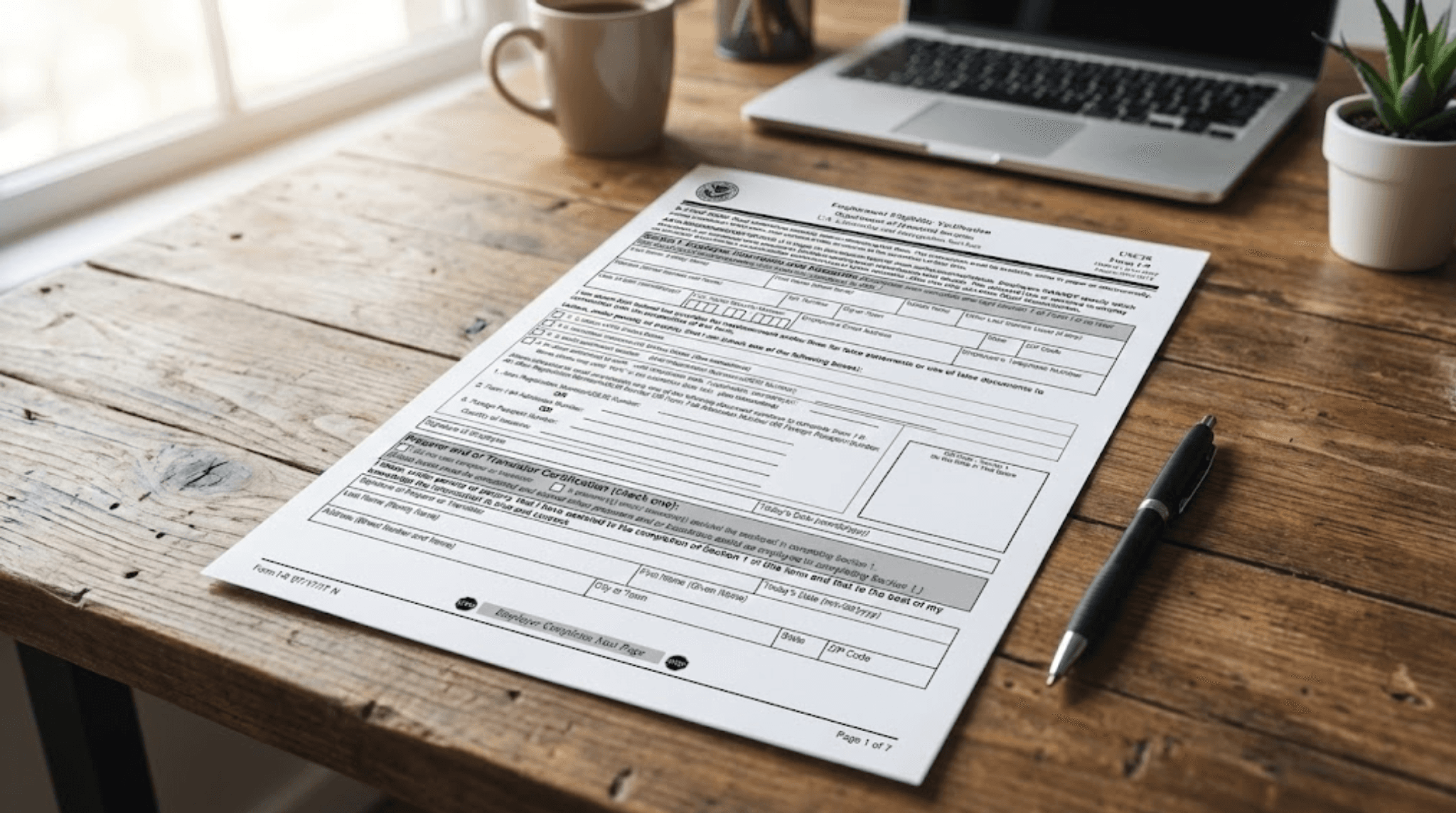
Form I-9 (Employment Eligibility Verification) is mandatory for all U.S. employers to verify each employee's identity and work authorization. Both citizens and non-citizens complete it.
Timeline:
Complete Section 1 (employee) on or before first day of work
Employer completes Section 2 within 3 business days of start
Employer examines original documents (no copies accepted)
Section 3 for reverification when authorization expires
Employers keep I-9s on file for 3 years after hire or 1 year after employment ends, whichever is later.
List A documents establish both identity and employment authorization (only one document needed).
List A options for immigrants:
Unexpired foreign passport with I-94 showing work-authorized visa
Unexpired Employment Authorization Document (EAD card)
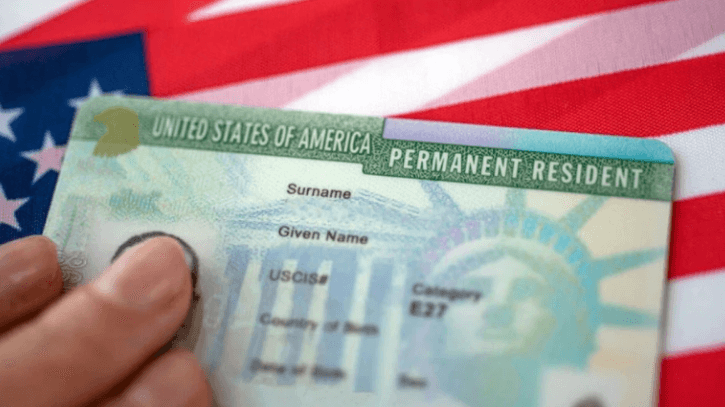
Unexpired Permanent Resident Card (green card)
Unexpired Refugee Travel Document (I-571)
Unexpired Employment Authorization Card showing I-688 class
Most work visa holders (H-1B, L-1, O-1) use passport with visa stamp and I-94. EAD holders use EAD card. Green card holders use green card.
If you don't have List A document, present one List B (identity) and one List C (work authorization).
List B - Identity only:
State driver's license
State ID card
School ID with photo
Voter registration card
U.S. military card
Federal, state, or local government ID
List C - Work authorization only:
Social Security card (unrestricted)
Birth certificate (U.S. born only)
I-797 approval notice showing work authorization
Certain other employment authorization documents
Status | Common I-9 Document Combination |
|---|---|
H-1B | Passport with visa + I-94 (List A) OR Driver's license (List B) + I-797 + SSN card (List C) |
Green card | Green card (List A) |
EAD holder | EAD card (List A) |
F-1 OPT | EAD card (List A) OR Driver's license + EAD + SSN (List B + C) |
Employers must accept any valid document from acceptable lists. They cannot require specific documents or reject valid documents. They cannot demand more documents than required. They must treat all employees equally regardless of citizenship status.
Discrimination: Requiring citizen to show passport but immigrant to show green card is illegal discrimination. Requiring extra documents from non-citizens is illegal. Refusing to accept valid documents is illegal.
Report discrimination to Office of Special Counsel for Immigration-Related Unfair Employment Practices.
When work authorization expires, employer must reverify.
Reverification required for:
EAD card expiration
H-1B I-797 expiration
TN status expiration
Any temporary work authorization expiration
No reverification needed for:
Green card (it's permanent, though card expires in 10 years)
U.S. passport
U.S. birth certificate
Reverification process:
Before current authorization expires
Employee provides new document showing continued authorization
Employer completes Section 3 of original I-9
Original I-9 updated, not replaced
Employee mistakes:
Providing expired documents
Not updating I-9 when status changes
Using documents that don't match current status
Employer mistakes:
Accepting expired documents
Requiring specific documents (discrimination)
Not reverifying when authorization expires
Keeping photocopies improperly
Missing 3-day deadline for Section 2
Both:
Not understanding which documents are acceptable
Confusion about reverification requirements
E-Verify is optional electronic system (required for some employers) that checks I-9 information against government databases. Separate from I-9 itself.
E-Verify process:
Employee completes I-9 normally
Employer enters I-9 data into E-Verify
System checks against SSA and DHS records
Result: Employment Authorized OR Tentative Non-Confirmation
If TNC (mismatch), employee has 8 business days to resolve with SSA or DHS.
When immigration status changes (H-1B to green card, F-1 OPT to H-1B, etc.), notify employer to update I-9.
Process:
Inform HR of status change
Provide new work authorization documents
Employer completes Section 3 reverification
Update completed before old authorization expires
Missing this update can cause E-Verify mismatches or compliance issues.
COVID introduced temporary remote I-9 procedures. As of 2024-2025, normal in-person document inspection is required except under specific DHS flexibilities.
Standard process:
Employee must be physically present
Employer (or authorized representative) examines original documents in person
Cannot accept documents via video call or scanned copies
Check current USCIS guidance for any temporary remote procedures still in effect.
Form I-9 (Employment Eligibility Verification) is mandatory for all U.S. employers to verify each employee's identity and work authorization. Both citizens and non-citizens complete it.
Timeline:
Complete Section 1 (employee) on or before first day of work
Employer completes Section 2 within 3 business days of start
Employer examines original documents (no copies accepted)
Section 3 for reverification when authorization expires
Employers keep I-9s on file for 3 years after hire or 1 year after employment ends, whichever is later.
List A documents establish both identity and employment authorization (only one document needed).
List A options for immigrants:
Unexpired foreign passport with I-94 showing work-authorized visa
Unexpired Employment Authorization Document (EAD card)
Unexpired Permanent Resident Card (green card)
Unexpired Refugee Travel Document (I-571)
Unexpired Employment Authorization Card showing I-688 class
Most work visa holders (H-1B, L-1, O-1) use passport with visa stamp and I-94. EAD holders use EAD card. Green card holders use green card.
If you don't have List A document, present one List B (identity) and one List C (work authorization).
List B - Identity only:
State driver's license
State ID card
School ID with photo
Voter registration card
U.S. military card
Federal, state, or local government ID
List C - Work authorization only:
Social Security card (unrestricted)
Birth certificate (U.S. born only)
I-797 approval notice showing work authorization
Certain other employment authorization documents
Status | Common I-9 Document Combination |
|---|---|
H-1B | Passport with visa + I-94 (List A) OR Driver's license (List B) + I-797 + SSN card (List C) |
Green card | Green card (List A) |
EAD holder | EAD card (List A) |
F-1 OPT | EAD card (List A) OR Driver's license + EAD + SSN (List B + C) |
Employers must accept any valid document from acceptable lists. They cannot require specific documents or reject valid documents. They cannot demand more documents than required. They must treat all employees equally regardless of citizenship status.
Discrimination: Requiring citizen to show passport but immigrant to show green card is illegal discrimination. Requiring extra documents from non-citizens is illegal. Refusing to accept valid documents is illegal.
Report discrimination to Office of Special Counsel for Immigration-Related Unfair Employment Practices.
When work authorization expires, employer must reverify.
Reverification required for:
EAD card expiration
H-1B I-797 expiration
TN status expiration
Any temporary work authorization expiration
No reverification needed for:
Green card (it's permanent, though card expires in 10 years)
U.S. passport
U.S. birth certificate
Reverification process:
Before current authorization expires
Employee provides new document showing continued authorization
Employer completes Section 3 of original I-9
Original I-9 updated, not replaced
Employee mistakes:
Providing expired documents
Not updating I-9 when status changes
Using documents that don't match current status
Employer mistakes:
Accepting expired documents
Requiring specific documents (discrimination)
Not reverifying when authorization expires
Keeping photocopies improperly
Missing 3-day deadline for Section 2
Both:
Not understanding which documents are acceptable
Confusion about reverification requirements
E-Verify is optional electronic system (required for some employers) that checks I-9 information against government databases. Separate from I-9 itself.
E-Verify process:
Employee completes I-9 normally
Employer enters I-9 data into E-Verify
System checks against SSA and DHS records
Result: Employment Authorized OR Tentative Non-Confirmation
If TNC (mismatch), employee has 8 business days to resolve with SSA or DHS.
When immigration status changes (H-1B to green card, F-1 OPT to H-1B, etc.), notify employer to update I-9.
Process:
Inform HR of status change
Provide new work authorization documents
Employer completes Section 3 reverification
Update completed before old authorization expires
Missing this update can cause E-Verify mismatches or compliance issues.
COVID introduced temporary remote I-9 procedures. As of 2024-2025, normal in-person document inspection is required except under specific DHS flexibilities.
Standard process:
Employee must be physically present
Employer (or authorized representative) examines original documents in person
Cannot accept documents via video call or scanned copies
Check current USCIS guidance for any temporary remote procedures still in effect.
What documents can H-1B holder use for I-9?
Passport with H-1B visa and I-94 (List A) OR driver's license (List B) + I-797 approval notice + Social Security card (List C).
When do I need to update my I-9?
When work authorization expires or changes status. Employer completes Section 3 reverification with new documents.
Can employer require I show green card?
No. Employer must accept any valid List A document or List B + C combination. Requiring specific documents is discrimination.
What if my EAD expires while I-9 is pending renewal?
File EAD renewal 180 days before expiration. Automatic 180-day extension if filed timely. Employer must reverify with new EAD or extension notice.
Can I use receipt notice for I-9?
Temporary. If you've applied for document renewal and old one expires, receipt notice provides temporary work authorization (usually 90-180 days).
Explore Topics
0%
Explore Topics
0%